Symphony
Public Gallery
▼

In the iconic Japanese wave mo...
2 items

Male AI robot in sharp suit le...
2 items

Grape Apes
18 items
photo
FLUX 2
A vibrant scene featuring an array of purple and green gorillas playfully interacting among fluffy, iridescent rainbow clouds. The setting is bathed in soft, diffused sunlight that filters through the multicolored clouds, casting a gentle glow on the gorillas. One gorilla swings from a cloud to another, its fur shimmering with hints of teal and violet under the sunlight. The background showcases a dreamy sky gradient of pastel pinks, blues, and yellows, enhancing the whimsical atmosphere.
The composition is shot from a slightly low-angle perspective, emphasizing the grandeur of the gorillas amidst the clouds, with a focal length of 35mm to create a dynamic depth of field. The lighting creates soft shadows and highlights that define the gorillas
photo
FLUX 2
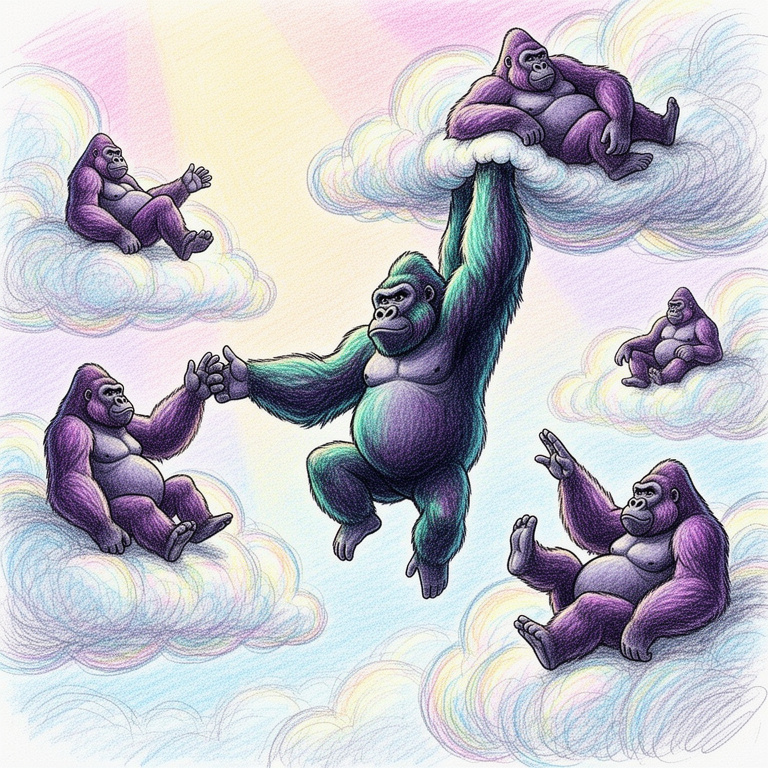
A vibrant scene featuring an array of purple and green gorillas playfully interacting among fluffy, iridescent rainbow clouds. The setting is bathed in soft, diffused sunlight that filters through the multicolored clouds, casting a gentle glow on the gorillas. One gorilla swings from a cloud to another, its fur shimmering with hints of teal and violet under the sunlight. The background showcases a dreamy sky gradient of pastel pinks, blues, and yellows, enhancing the whimsical atmosphere.
The composition is shot from a slightly low-angle perspective, emphasizing the grandeur of the gorillas amidst the clouds, with a focal length of 35mm to create a dynamic depth of field. The lighting creates soft shadows and highlights that define the gorillas

photo
FLUX 2
A vibrant scene featuring an array of purple and green gorillas playfully interacting among fluffy, iridescent rainbow clouds. The setting is bathed in soft, diffused sunlight that filters through the multicolored clouds, casting a gentle glow on the gorillas. One gorilla swings from a cloud to another, its fur shimmering with hints of teal and violet under the sunlight. The background showcases a dreamy sky gradient of pastel pinks, blues, and yellows, enhancing the whimsical atmosphere.
The composition is shot from a slightly low-angle perspective, emphasizing the grandeur of the gorillas amidst the clouds, with a focal length of 35mm to create a dynamic depth of field. The lighting creates soft shadows and highlights that define the gorillas
photo
FLUX 2
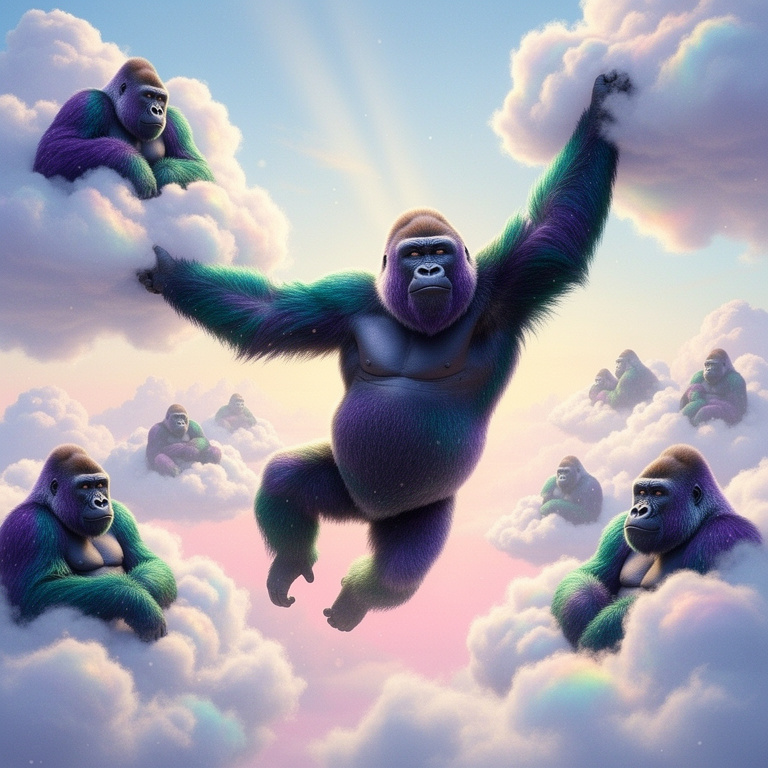
A vibrant scene featuring an array of purple and green gorillas playfully interacting among fluffy, iridescent rainbow clouds. The setting is bathed in soft, diffused sunlight that filters through the multicolored clouds, casting a gentle glow on the gorillas. One gorilla swings from a cloud to another, its fur shimmering with hints of teal and violet under the sunlight. The background showcases a dreamy sky gradient of pastel pinks, blues, and yellows, enhancing the whimsical atmosphere.
The composition is shot from a slightly low-angle perspective, emphasizing the grandeur of the gorillas amidst the clouds, with a focal length of 35mm to create a dynamic depth of field. The lighting creates soft shadows and highlights that define the gorillas
photo
FLUX 2
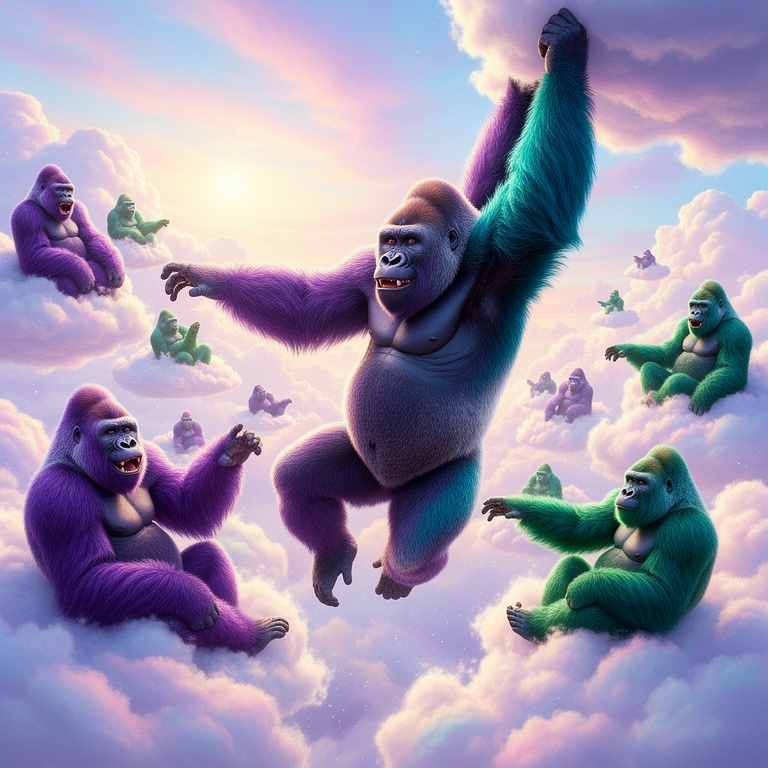
A vibrant scene featuring an array of purple and green gorillas playfully interacting among fluffy, iridescent rainbow clouds. The setting is bathed in soft, diffused sunlight that filters through the multicolored clouds, casting a gentle glow on the gorillas. One gorilla swings from a cloud to another, its fur shimmering with hints of teal and violet under the sunlight. The background showcases a dreamy sky gradient of pastel pinks, blues, and yellows, enhancing the whimsical atmosphere.
The composition is shot from a slightly low-angle perspective, emphasizing the grandeur of the gorillas amidst the clouds, with a focal length of 35mm to create a dynamic depth of field. The lighting creates soft shadows and highlights that define the gorillas
photo
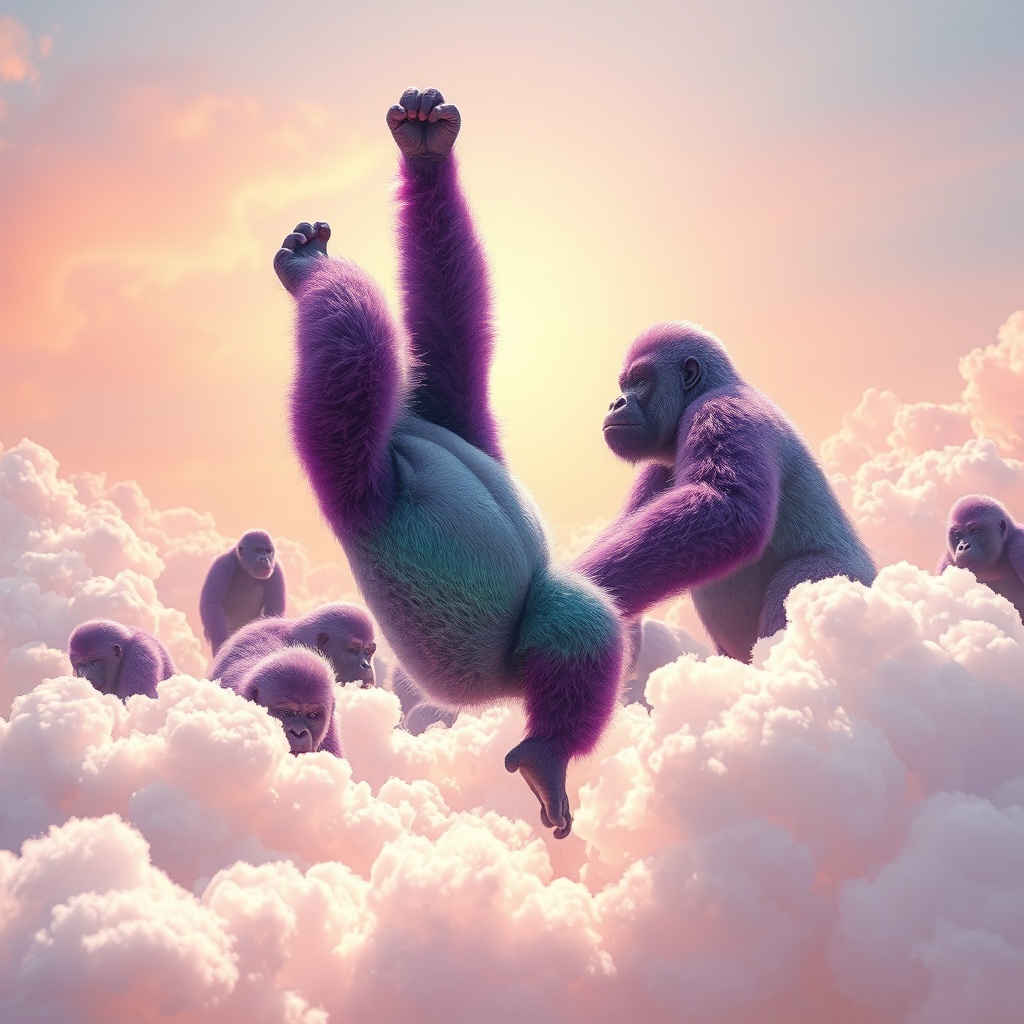
A vibrant scene featuring an array of purple and green gorillas playfully interacting among fluffy, iridescent rainbow clouds. The setting is bathed in soft, diffused sunlight that filters through the multicolored clouds, casting a gentle glow on the gorillas. One gorilla swings from a cloud to another, its fur shimmering with hints of teal and violet under the sunlight. The background showcases a dreamy sky gradient of pastel pinks, blues, and yellows, enhancing the whimsical atmosphere.
The composition is shot from a slightly low-angle perspective, emphasizing the grandeur of the gorillas amidst the clouds, with a focal length of 35mm to create a dynamic depth of field. The lighting creates soft shadows and highlights that define the gorillas
photo
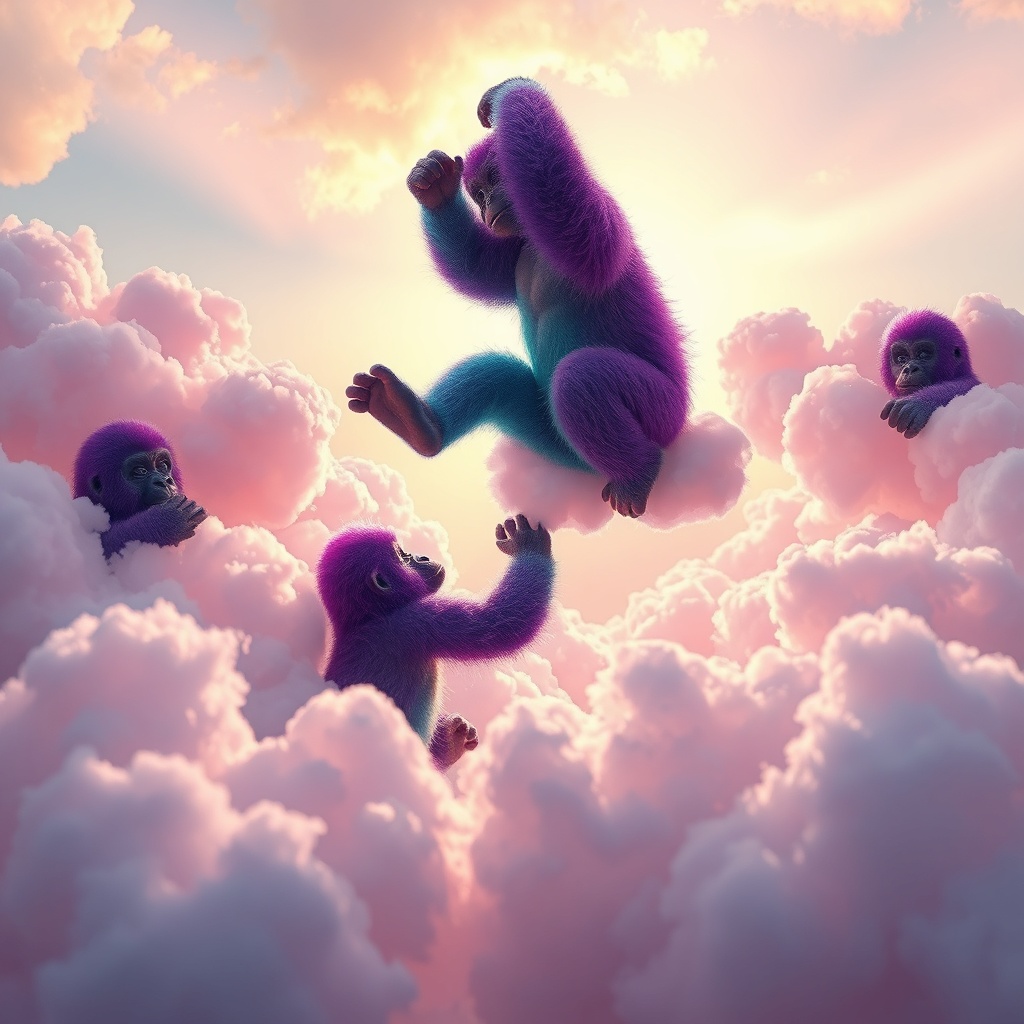
A vibrant scene featuring an array of purple and green gorillas playfully interacting among fluffy, iridescent rainbow clouds. The setting is bathed in soft, diffused sunlight that filters through the multicolored clouds, casting a gentle glow on the gorillas. One gorilla swings from a cloud to another, its fur shimmering with hints of teal and violet under the sunlight. The background showcases a dreamy sky gradient of pastel pinks, blues, and yellows, enhancing the whimsical atmosphere.
The composition is shot from a slightly low-angle perspective, emphasizing the grandeur of the gorillas amidst the clouds, with a focal length of 35mm to create a dynamic depth of field. The lighting creates soft shadows and highlights that define the gorillas
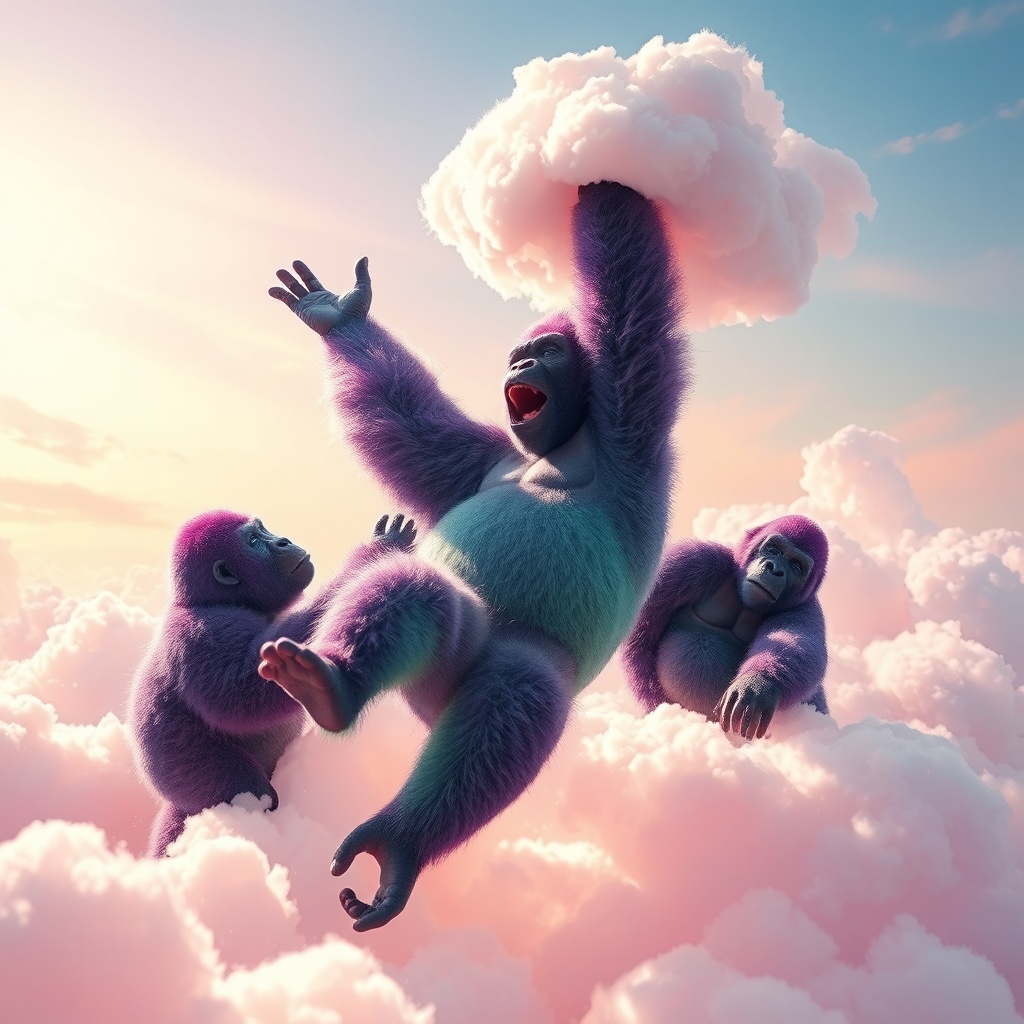
photo
A vibrant scene featuring an array of purple and green gorillas playfully interacting among fluffy, iridescent rainbow clouds. The setting is bathed in soft, diffused sunlight that filters through the multicolored clouds, casting a gentle glow on the gorillas. One gorilla swings from a cloud to another, its fur shimmering with hints of teal and violet under the sunlight. The background showcases a dreamy sky gradient of pastel pinks, blues, and yellows, enhancing the whimsical atmosphere.
The composition is shot from a slightly low-angle perspective, emphasizing the grandeur of the gorillas amidst the clouds, with a focal length of 35mm to create a dynamic depth of field. The lighting creates soft shadows and highlights that define the gorillas
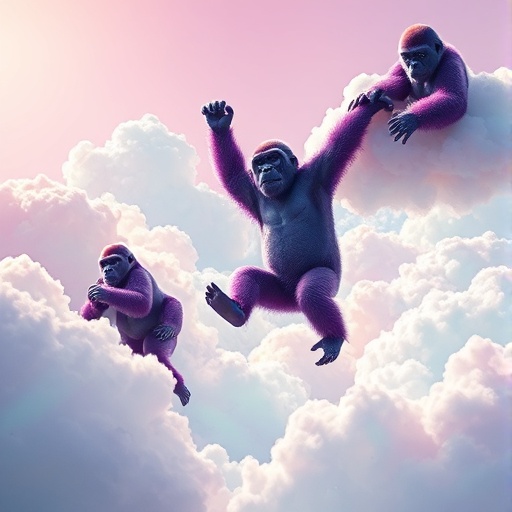
photo
A vibrant scene featuring an array of purple and green gorillas playfully interacting among fluffy, iridescent rainbow clouds. The setting is bathed in soft, diffused sunlight that filters through the multicolored clouds, casting a gentle glow on the gorillas. One gorilla swings from a cloud to another, its fur shimmering with hints of teal and violet under the sunlight. The background showcases a dreamy sky gradient of pastel pinks, blues, and yellows, enhancing the whimsical atmosphere.
The composition is shot from a slightly low-angle perspective, emphasizing the grandeur of the gorillas amidst the clouds, with a focal length of 35mm to create a dynamic depth of field. The lighting creates soft shadows and highlights that define the gorillas
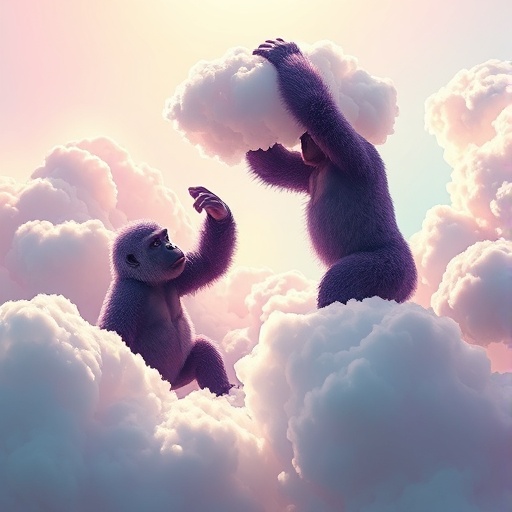
photo
A vibrant scene featuring an array of purple and green gorillas playfully interacting among fluffy, iridescent rainbow clouds. The setting is bathed in soft, diffused sunlight that filters through the multicolored clouds, casting a gentle glow on the gorillas. One gorilla swings from a cloud to another, its fur shimmering with hints of teal and violet under the sunlight. The background showcases a dreamy sky gradient of pastel pinks, blues, and yellows, enhancing the whimsical atmosphere.
The composition is shot from a slightly low-angle perspective, emphasizing the grandeur of the gorillas amidst the clouds, with a focal length of 35mm to create a dynamic depth of field. The lighting creates soft shadows and highlights that define the gorillas
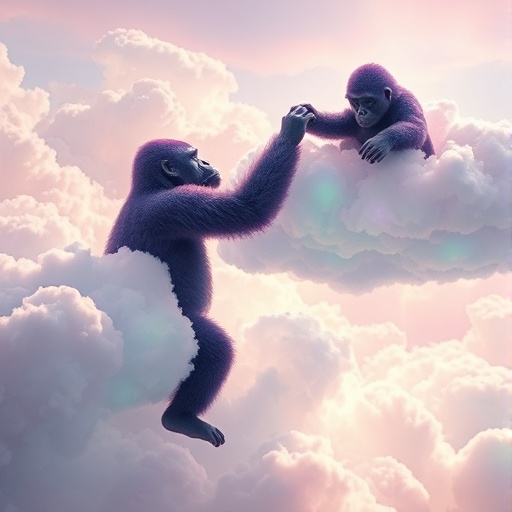
photo
A vibrant scene featuring an array of purple and green gorillas playfully interacting among fluffy, iridescent rainbow clouds. The setting is bathed in soft, diffused sunlight that filters through the multicolored clouds, casting a gentle glow on the gorillas. One gorilla swings from a cloud to another, its fur shimmering with hints of teal and violet under the sunlight. The background showcases a dreamy sky gradient of pastel pinks, blues, and yellows, enhancing the whimsical atmosphere.
The composition is shot from a slightly low-angle perspective, emphasizing the grandeur of the gorillas amidst the clouds, with a focal length of 35mm to create a dynamic depth of field. The lighting creates soft shadows and highlights that define the gorillas
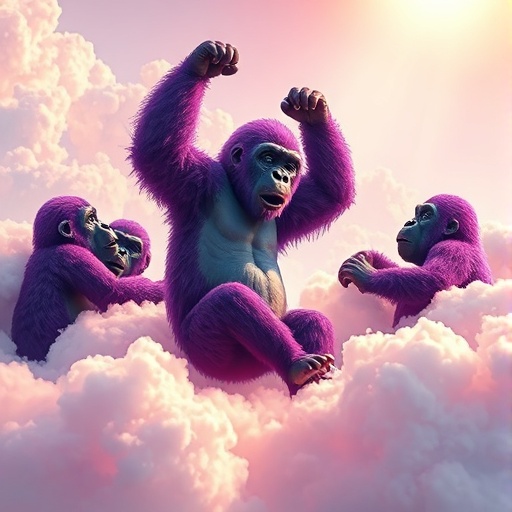
photo
A vibrant scene featuring an array of purple and green gorillas playfully interacting among fluffy, iridescent rainbow clouds. The setting is bathed in soft, diffused sunlight that filters through the multicolored clouds, casting a gentle glow on the gorillas. One gorilla swings from a cloud to another, its fur shimmering with hints of teal and violet under the sunlight. The background showcases a dreamy sky gradient of pastel pinks, blues, and yellows, enhancing the whimsical atmosphere.
The composition is shot from a slightly low-angle perspective, emphasizing the grandeur of the gorillas amidst the clouds, with a focal length of 35mm to create a dynamic depth of field. The lighting creates soft shadows and highlights that define the gorillas
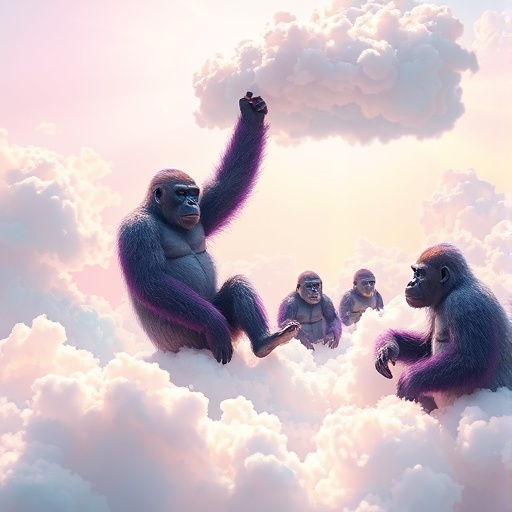
photo
A vibrant scene featuring an array of purple and green gorillas playfully interacting among fluffy, iridescent rainbow clouds. The setting is bathed in soft, diffused sunlight that filters through the multicolored clouds, casting a gentle glow on the gorillas. One gorilla swings from a cloud to another, its fur shimmering with hints of teal and violet under the sunlight. The background showcases a dreamy sky gradient of pastel pinks, blues, and yellows, enhancing the whimsical atmosphere.
The composition is shot from a slightly low-angle perspective, emphasizing the grandeur of the gorillas amidst the clouds, with a focal length of 35mm to create a dynamic depth of field. The lighting creates soft shadows and highlights that define the gorillas
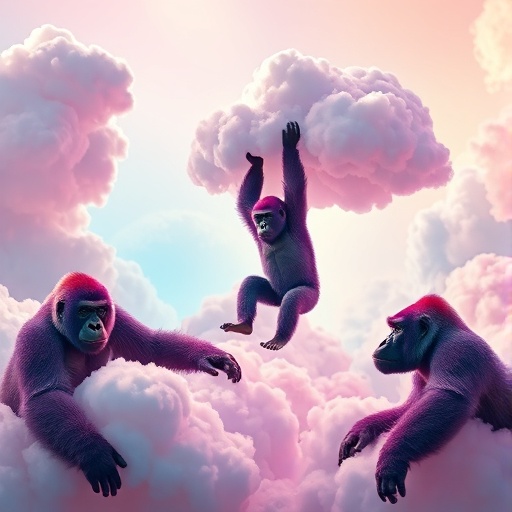
photo
A vibrant scene featuring an array of purple and green gorillas playfully interacting among fluffy, iridescent rainbow clouds. The setting is bathed in soft, diffused sunlight that filters through the multicolored clouds, casting a gentle glow on the gorillas. One gorilla swings from a cloud to another, its fur shimmering with hints of teal and violet under the sunlight. The background showcases a dreamy sky gradient of pastel pinks, blues, and yellows, enhancing the whimsical atmosphere.
The composition is shot from a slightly low-angle perspective, emphasizing the grandeur of the gorillas amidst the clouds, with a focal length of 35mm to create a dynamic depth of field. The lighting creates soft shadows and highlights that define the gorillas
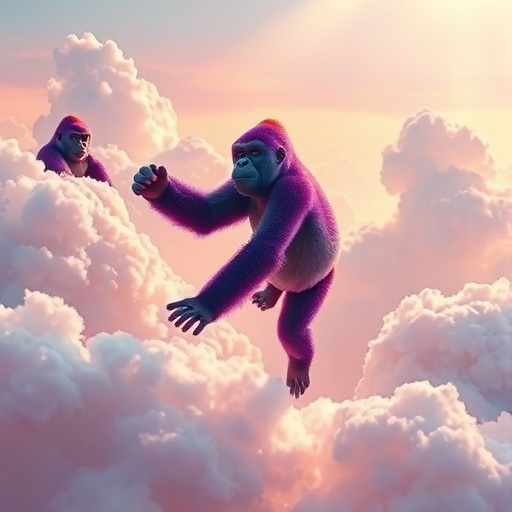
photo
A vibrant scene featuring an array of purple and green gorillas playfully interacting among fluffy, iridescent rainbow clouds. The setting is bathed in soft, diffused sunlight that filters through the multicolored clouds, casting a gentle glow on the gorillas. One gorilla swings from a cloud to another, its fur shimmering with hints of teal and violet under the sunlight. The background showcases a dreamy sky gradient of pastel pinks, blues, and yellows, enhancing the whimsical atmosphere.
The composition is shot from a slightly low-angle perspective, emphasizing the grandeur of the gorillas amidst the clouds, with a focal length of 35mm to create a dynamic depth of field. The lighting creates soft shadows and highlights that define the gorillas
photo
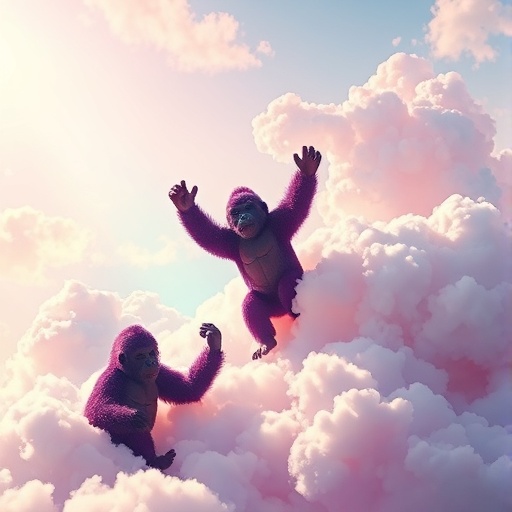
A vibrant scene featuring an array of purple and green gorillas playfully interacting among fluffy, iridescent rainbow clouds. The setting is bathed in soft, diffused sunlight that filters through the multicolored clouds, casting a gentle glow on the gorillas. One gorilla swings from a cloud to another, its fur shimmering with hints of teal and violet under the sunlight. The background showcases a dreamy sky gradient of pastel pinks, blues, and yellows, enhancing the whimsical atmosphere.
The composition is shot from a slightly low-angle perspective, emphasizing the grandeur of the gorillas amidst the clouds, with a focal length of 35mm to create a dynamic depth of field. The lighting creates soft shadows and highlights that define the gorillas
photo
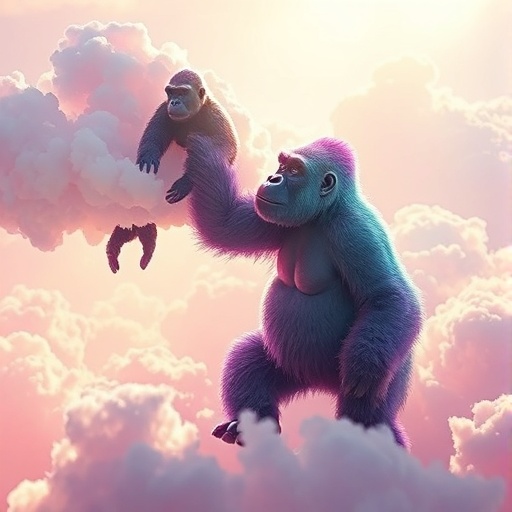
A vibrant scene featuring an array of purple and green gorillas playfully interacting among fluffy, iridescent rainbow clouds. The setting is bathed in soft, diffused sunlight that filters through the multicolored clouds, casting a gentle glow on the gorillas. One gorilla swings from a cloud to another, its fur shimmering with hints of teal and violet under the sunlight. The background showcases a dreamy sky gradient of pastel pinks, blues, and yellows, enhancing the whimsical atmosphere.
The composition is shot from a slightly low-angle perspective, emphasizing the grandeur of the gorillas amidst the clouds, with a focal length of 35mm to create a dynamic depth of field. The lighting creates soft shadows and highlights that define the gorillas
photo
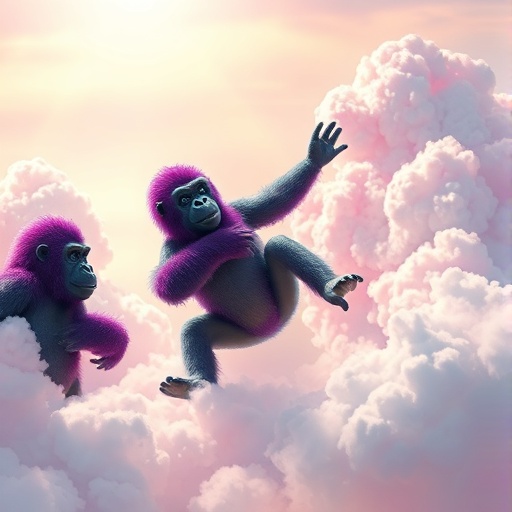
A vibrant scene featuring an array of purple and green gorillas playfully interacting among fluffy, iridescent rainbow clouds. The setting is bathed in soft, diffused sunlight that filters through the multicolored clouds, casting a gentle glow on the gorillas. One gorilla swings from a cloud to another, its fur shimmering with hints of teal and violet under the sunlight. The background showcases a dreamy sky gradient of pastel pinks, blues, and yellows, enhancing the whimsical atmosphere.
The composition is shot from a slightly low-angle perspective, emphasizing the grandeur of the gorillas amidst the clouds, with a focal length of 35mm to create a dynamic depth of field. The lighting creates soft shadows and highlights that define the gorillas

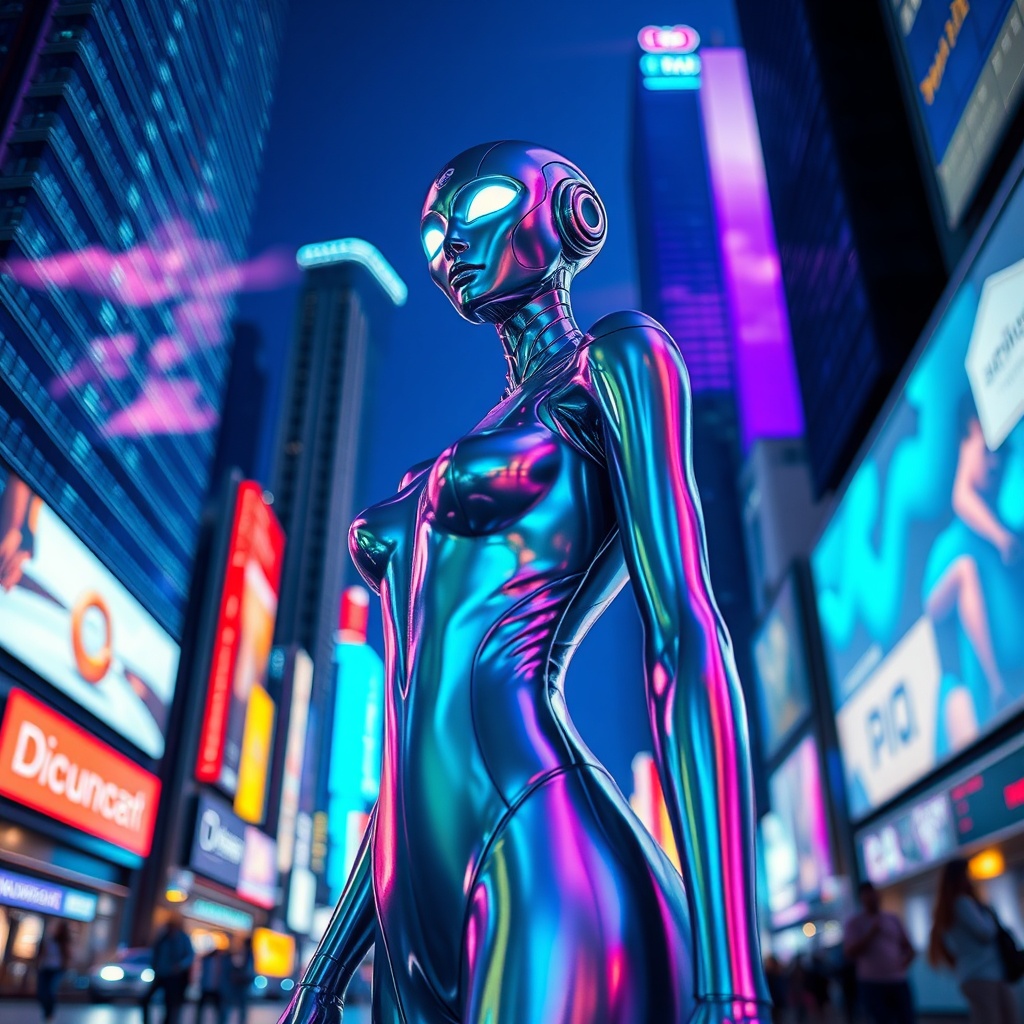
A futuristic humanoid entity, ...
19 items

















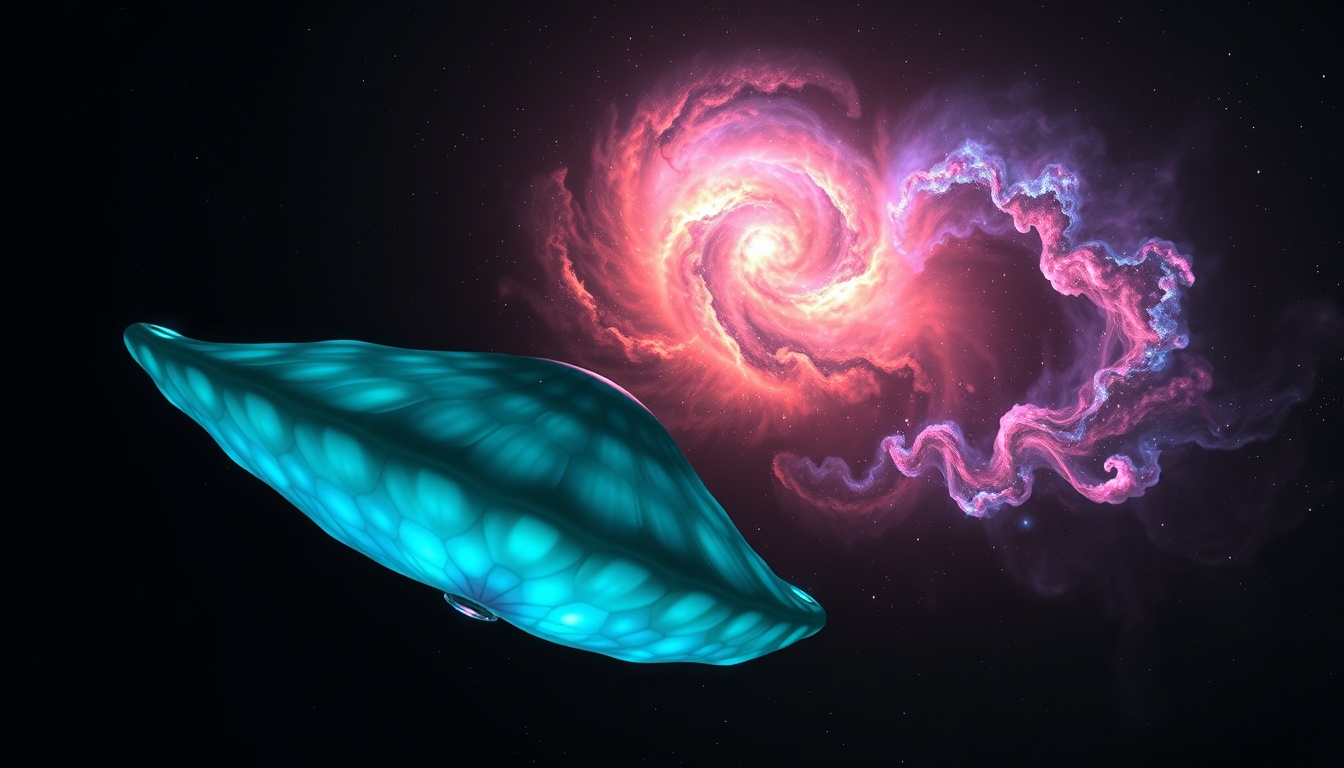
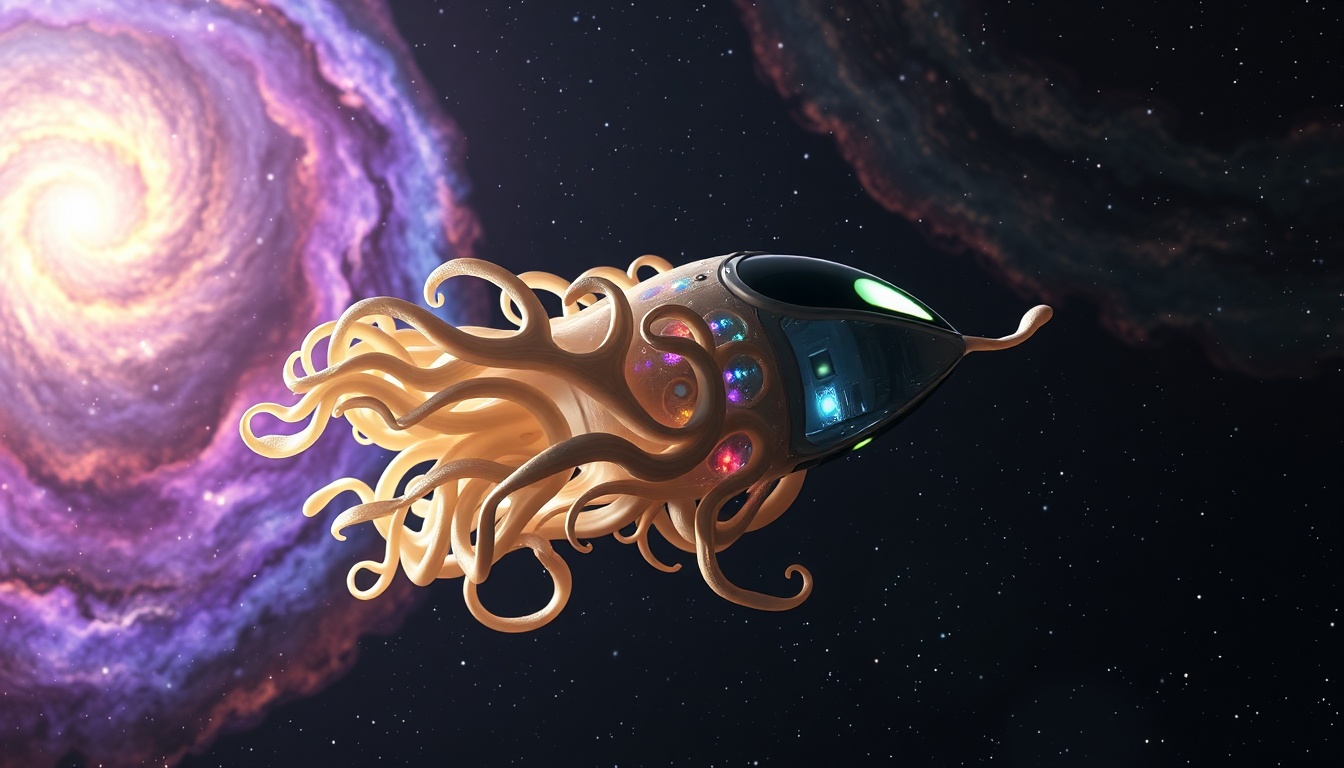
An organic space craft floats
7 items
photo

photo
photo

photo

photo

photo

My Images
▼No active sessions found.
Go create some art!